
 Vutesa
Your Videos. Your Audience. Your Business.
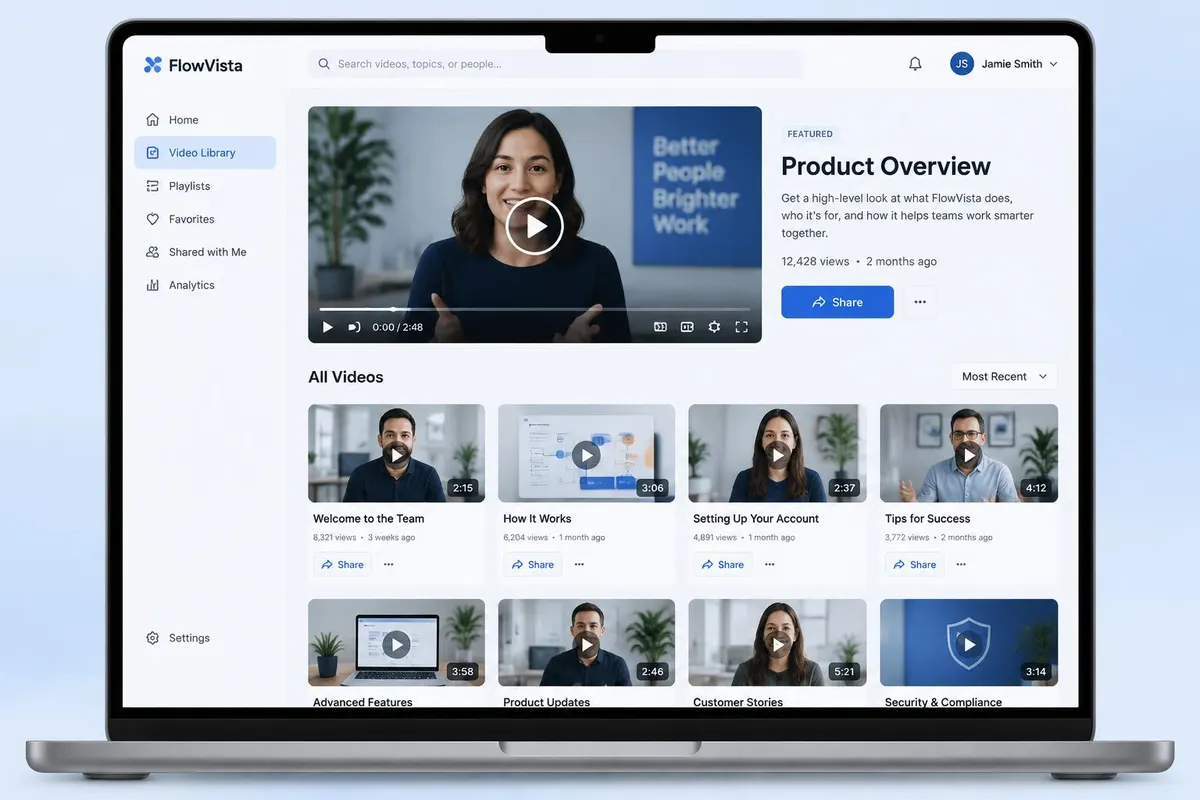
Upload, organize and share business videos without sending prospects away. Upward Videos live on your Bio / Profile Page, connect viewer engagement to your CRM, and turn watching into real business opportunities.
No third-party ads
Directly uploaded videos play without advertising interruptions on your page.
No competitor recommendations
When a video ends, viewers stay with you — not the next creator.
Everything lives together
Videos appear beside your profile, scheduling, reviews and recent work.
Public video platforms are built to keep viewers on their platform. Upward Videos are built to keep viewers connected to you.
Why use Upward Videos?
Four practical reasons the video experience belongs on your own business page — not on a public network that competes for your viewer's next click.
No third-party advertising
Videos uploaded directly to your library play without advertising interrupting the experience.
No competitor recommendations
When your video ends, viewers stay inside your business experience — not surfaced to competing companies or creators.
Engagement connects to your CRM
Subscribers, commenters and viewers who like or dislike a video can become identifiable CRM contacts.
Everything lives together
Videos appear beside your profile, social links, reviews, recent work, scheduling and contact information.
Your video should promote you — not the platform hosting it.
YouTube, Vimeo, Wistia and Loom are excellent platforms built for different use cases. Upward Videos combine video sharing with your business presence, CRM and follow-up tools.
| Capability | Upward Videos | Traditional video platform |
|---|---|---|
| Third-party ads on directly uploaded content | No | May occur depending on platform |
| Competitor recommendations | No | Possible on public platforms |
| Video displayed with your Bio / Profile | Yes | Usually separate |
| Schedule a Meeting nearby | Yes | Separate workflow |
| Reviews nearby | Yes | Separate workflow |
| Contact information nearby | Yes | Separate workflow |
| Subscriber connected to CRM | Yes | Usually requires integration |
| Commenter connected to CRM | Yes | Usually requires integration |
| Likes / Dislikes connected to CRM | Yes | Usually remain platform engagement |
| Tracked Links | Integrated | Separate tool |
| QR Codes | Integrated | Separate tool |
| Company + Member distribution | Yes | Not designed around replicated teams |
| White-label business experience | Yes | Platform branding commonly remains |
Company Videos and Personal Videos
Every video belongs either to the company library or to an individual member — that decides who can edit it and where it can appear.
Company Videos
- Created or added by a Company Owner or Company Admin.
- Belong to the company library and shared with members.
- Members normally choose whether each one appears on their Bio / Profile.
- Owners and Admins can require a video — it always appears and can't be hidden.
- Members cannot edit or delete a Company Video.
Personal Videos
- Uploaded, recorded or linked by the member themselves.
- The member controls the title, description, category and visibility.
- Shown or hidden on their Bio / Profile Page at any time.
- Shared with a Quick Link, Tracked Link or QR Code.
Shown by member choice
The member has chosen to show this video on their Bio / Profile Page.
Displayed by default
A company default made it appear, and the member may still hide it.
Required by the company
The company requires this video on member pages — no hide option is offered.
One video. Share it everywhere.
Every eligible video can be shared the way that suits the conversation — and each way still leads back to your business.
Quick Link
A simple, shareable link to any video, ready to copy and paste anywhere.
Tracked Link
A unique link that counts clicks and connects them to a CRM lead or contact.
QR Code
Turn printed and in-person sharing into measurable video views.
Bio / Profile Page
Show the video on your profile beside reviews, recent work and scheduling.
Watching becomes a conversation.
Subscribers, comments and reactions are identified first, then written to your CRM as a contact or lead with the source “Video Engagement” — existing people are updated instead of duplicated.
Subscribe
A viewer subscribing to your videos becomes a CRM contact you can follow up with.
Comment
Comments identify the viewer first, and can be moderated before they appear.
Like / Dislike
Reactions are tied to a real person, not an anonymous counter.
Next step
From there they can book a meeting, contact you or explore the rest of your profile.
From upload to follow-up
- 1
Upload or record
Add a video to your library — company-wide or personal.
- 2
Place it on your page
Feature it, categorize it and decide where it appears on your Bio / Profile.
- 3
Share it your way
Quick link, tracked link, QR code, email or social — every path leads back to you.
- 4
Watch & engage
Viewers subscribe, comment and react — captured as CRM contacts.
- 5
Follow up
See who watched what and continue the conversation with the right context.
See what your videos are really doing.
Track views, watch time, completion, reactions, comments and subscribers — for your own videos and for the company videos your audience watched on your profile.
Ready to turn every conversation into growth?
Start free, then replicate your system across your whole team.