
 Vutesa
Turn Customer Experiences Into Trust.
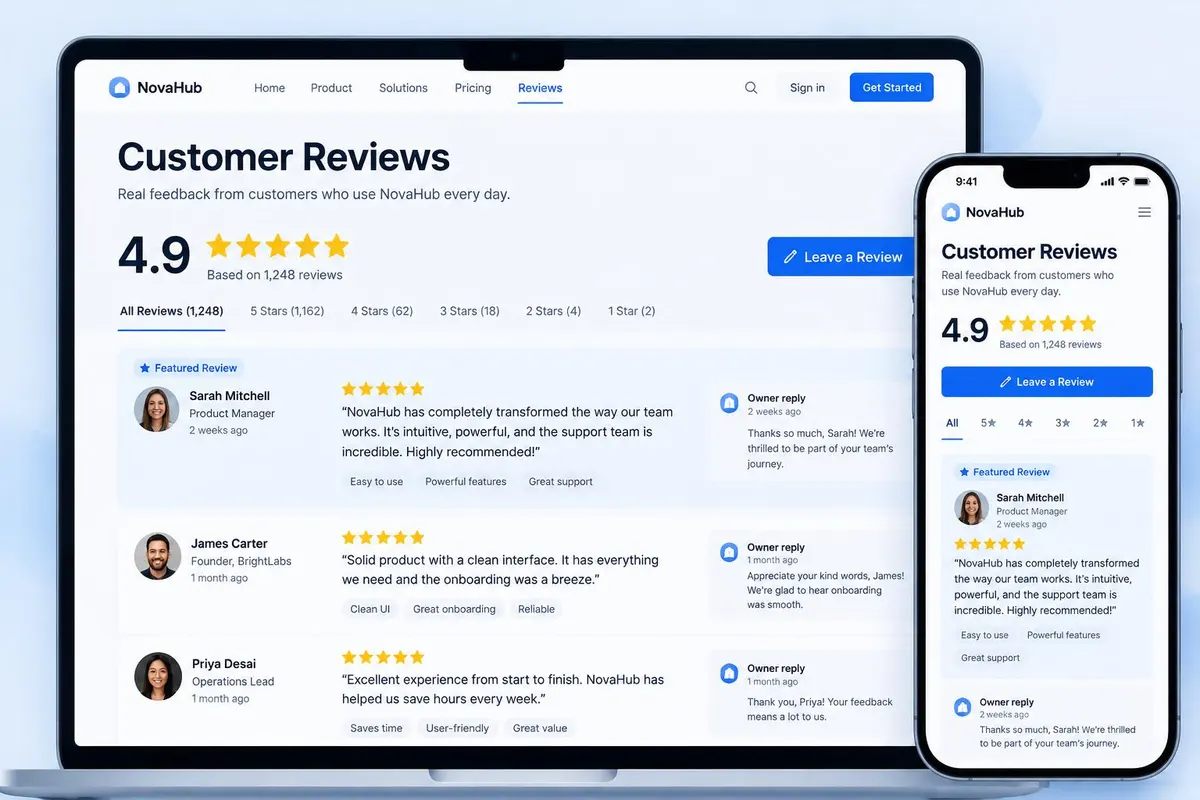
Upward Reviews are not a testimonial list. Every review lives on your own Bio / Profile Page, can be approved before it is published, can be shared as a tracked link or QR code, and connects the person who left it to your CRM — so trust turns into follow-up and new business.
Visitors stay with you
No traffic sent to a directory full of competitors and ads.
Publish with confidence
Approve reviews before they appear on your public profile.
Keep the relationship
Reviewers become CRM contacts you can follow up with.
Sending a customer to a third-party review site gives away the visit, the data and the next step. Upward Reviews keep all three.
Reviews that keep the relationship
Six reasons your reviews belong on your own business page — where prospects actually decide.
You control what is published
Reviews submitted through your page can require your approval before they appear publicly.
Reviewers become contacts
A review submission creates or matches a CRM contact — one person stays one record with many activities.
Share a single review
Send one review by tracked link, quick link, QR code, email or social — and see exactly what it produced.
Visitors can subscribe
People can follow your new reviews, which brings them back to your profile instead of a directory.
Company and personal reviews
Company reviews can be shared with the team, while your own reviews stay yours.
Real attribution
Track clicks, shares, subscribers and leads back to the review that started the conversation.
Upward Reviews vs. third-party review sites
Keep public review sites for local search. Use Upward to showcase reviews where prospects decide — beside your booking, videos and recent work.
| Capability | Upward Reviews | Third-party review sites |
|---|---|---|
| Visitor stays on your own profile | Yes | No — traffic leaves to their site |
| You approve what is published | Yes | Rarely |
| Reviewer becomes a CRM contact | Yes | No |
| Share a single review by link or QR code | Yes | Limited |
| Attribution from review to lead | Yes | No |
| Visitors can subscribe to new reviews | Yes | No |
| Reviews beside booking, videos and recent work | Yes | No |
| Company + member review distribution | Yes | Not designed for teams |
| Competitor ads beside your reviews | No | Often |
Publish with confidence, not by deleting feedback
Approval exists so reviews are verified, relevant and appropriate before they appear on your public profile — not to hide honest feedback.
Pending
Newly submitted reviews wait for your decision.
Approved
Published to your profile and available for sharing.
Declined
Kept in your records but never shown publicly.
Reply
Respond publicly so prospects see how you care for customers.
Company Reviews and Personal Reviews
Built for replicated teams: strong company proof reaches every member, while each member still earns and owns their own reputation.
Company Reviews
- Collected and managed by the Company Owner or Admin.
- Can be shared with the whole team.
- Give new members instant credibility on day one.
Personal Reviews
- Earned by the member from their own customers.
- Approved, featured and shared by the member.
- Stay with the member's Bio / Profile Page.
One review. Share it everywhere.
A single strong review can open the next conversation — and every share path leads back to you.
Quick Link
A simple link to one review, ready to paste into a message or proposal.
Tracked Link
Counts clicks and connects them to a CRM lead or contact.
QR Code
Put proof on printed material, events and in-person meetings.
Email & Social
Feature a review in campaigns and posts that lead back to your profile.
From a customer experience to a new opportunity
Each step is tracked, so you can see which review is actually working.
- 1
Customer review
Ask after a completed service, delivered product, event or result.
- 2
Approved and published
Verify it and publish it to your Bio / Profile Page.
- 3
Profile, links and QR codes
Feature it and share it the way that suits the conversation.
- 4
Shares and subscribers
Visitors return, subscribe and pass it along.
- 5
CRM lead and follow-up
Every interaction becomes context for the next conversation.
Build trust. Keep the relationship.
Ask for a review after a completed service, a delivered product, an event or a result. Approve it, feature it on your profile, share it with a tracked link, and see the visits, subscribers and leads it created.
Ready to turn every conversation into growth?
Start free, then replicate your system across your whole team.